
One of those niche little things but I don’t see a lot of folks sharing WordPress snippets these days.
You have a LearnDash-powered course. It has pretty decent templates out of the box. You can certain override them in your theme directory, but the documentation s rather light. There’s a plugin you can use, but why carry the extra third-party overhead?
It would be great if the plugin simply allowed you to use your default template, but I didn’t see that option. It’s one of their two options.
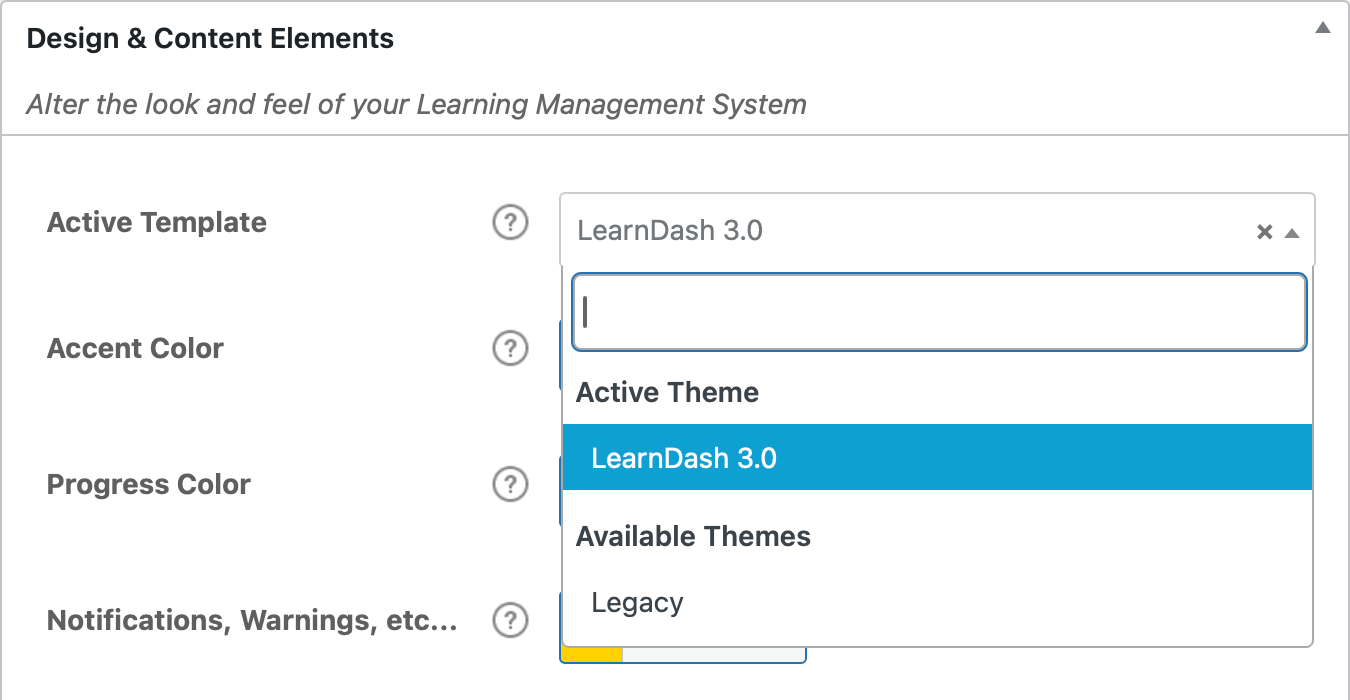
I think I have a fairly clean way to work around that.
// Override LearnDash template
function geoff_learndash_template( $template, $template_name ) {
  // Use course.php for all LearnDash post types
  if ( in_array( $template_name, array( 'single-lesson.php', 'single-topic.php', 'single-quiz.php', 'single-course.php' ) ) ) {
    return get_template_directory() . '/course.php';
  }
  return $template;
}
add_filter( 'learndash_template', 'geoff_learndash_template', 10, 2 );
I ain’t the best programmer in the world, so maybe this could be even cleaner, I dunno. But now LearnDash points to a custom course.php template located directly in my theme. Boom.